Creating high-quality images is essential for blog posts and YouTube thumbnails. If you’re not ready to pay for premium tools, there are free options to get started. This guide introduces three beginner-friendly free AI image tools, their pros and cons, and best use cases.

1) Stable Diffusion (Local, Open Source)
- Pros: Free, open-source, highly customizable with LoRAs and checkpoints
- Cons: Requires setup and GPU power, higher learning curve
- Best for: Blog illustrations, unique YouTube thumbnails, digital art

2) Canva (Web-Based, Free Plan)
- Pros: Easy to use, plenty of templates, beginner-friendly
- Cons: Resolution and features limited on free plan
- Best for: YouTube thumbnails, featured blog images

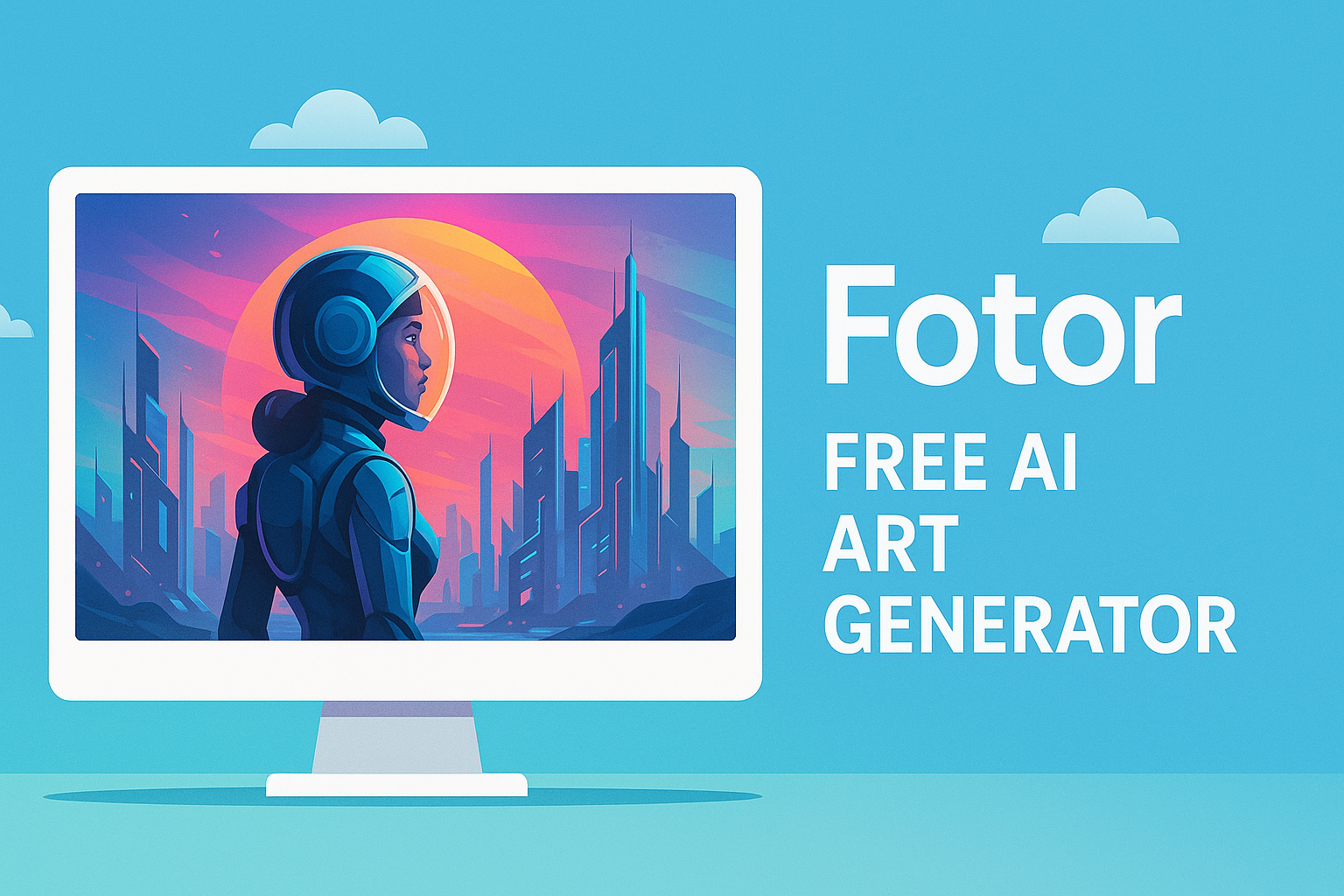
3) Fotor (AI Art Generator)
- Pros: Free trial online, easy to generate with short prompts
- Cons: Watermarks, limited high-resolution downloads
- Best for: Blog infographics, preview images for social media
- Combine free tools:
- Canva → thumbnails
- Stable Diffusion → creative artworks
- Fotor → quick infographics
- Check licensing before commercial use
- Optimize prompts with ChatGPT for better results
Free AI image tools are powerful enough for beginners to create competitive blog and YouTube visuals. Once you master them, upgrading to premium tools can further boost quality and efficiency.
'AI Tool Guides' 카테고리의 다른 글
| Free AI Image Tools for Blogging and YouTube (0) | 2025.09.12 |
|---|---|
| A Beginner’s Roadmap to AI Image Tools with ChatGPT (0) | 2025.09.08 |
| Getting Started with AI Image Generation Tools: A Beginner’s Guide (0) | 2025.09.07 |


